Inventory Sync Errors Are Killing Your Conversion Rate: How to Diagnose and Fix Oversell Events Before They Compound
Shopify's Admin API version 2026-04 now requires idempotency keys for every inventory mutation call.
Inventory Sync Errors Are Killing Your Conversion Rate: How to Diagnose and Fix Oversell Events Before They Compound
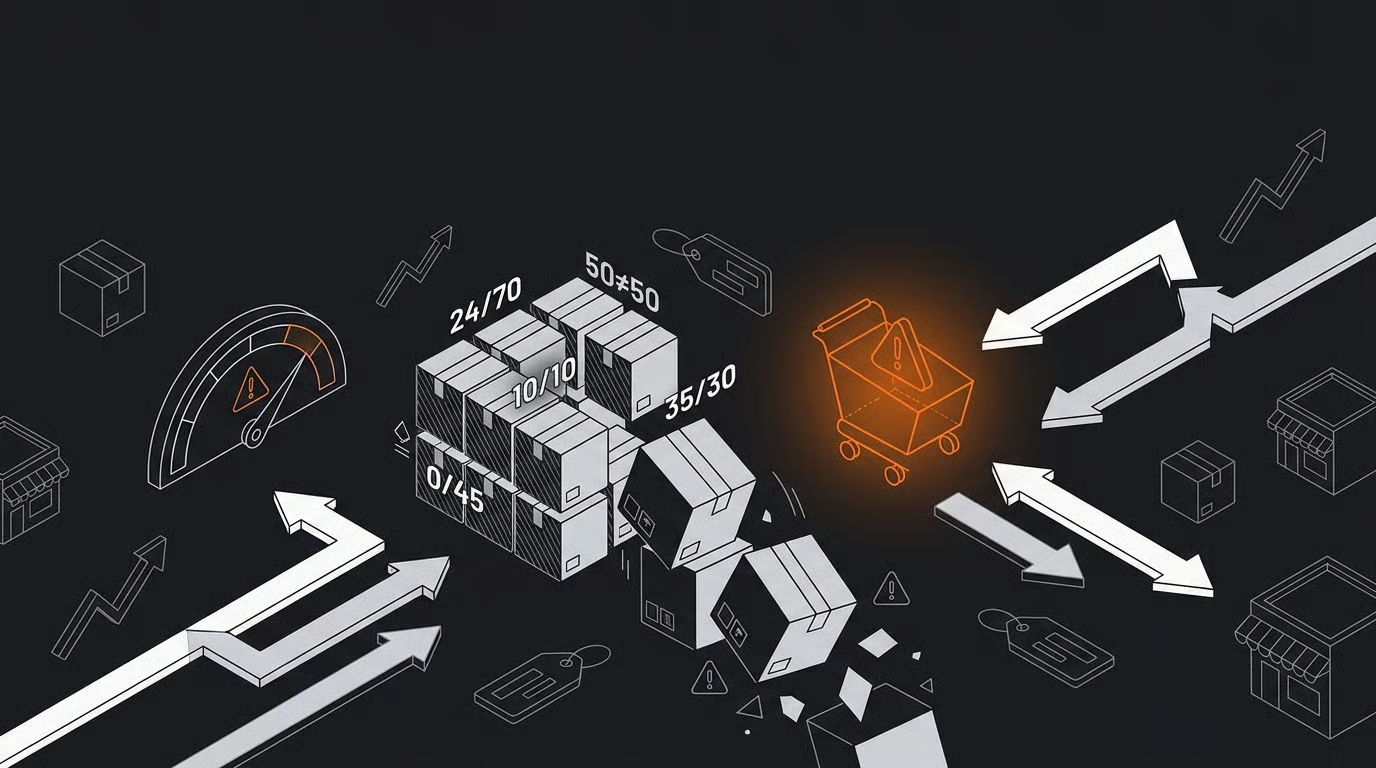
Shopify's Admin API version 2026-04 now requires idempotency keys for every inventory mutation call. That change exists because webhook sync failures carry a documented 1-2% miss rate, and at volume, those missed events produce oversold orders, refund cycles, and conversion drops that cost retailers up to 15% of annual revenue.
How a 1-2% Webhook Miss Rate Turns Into Real Money
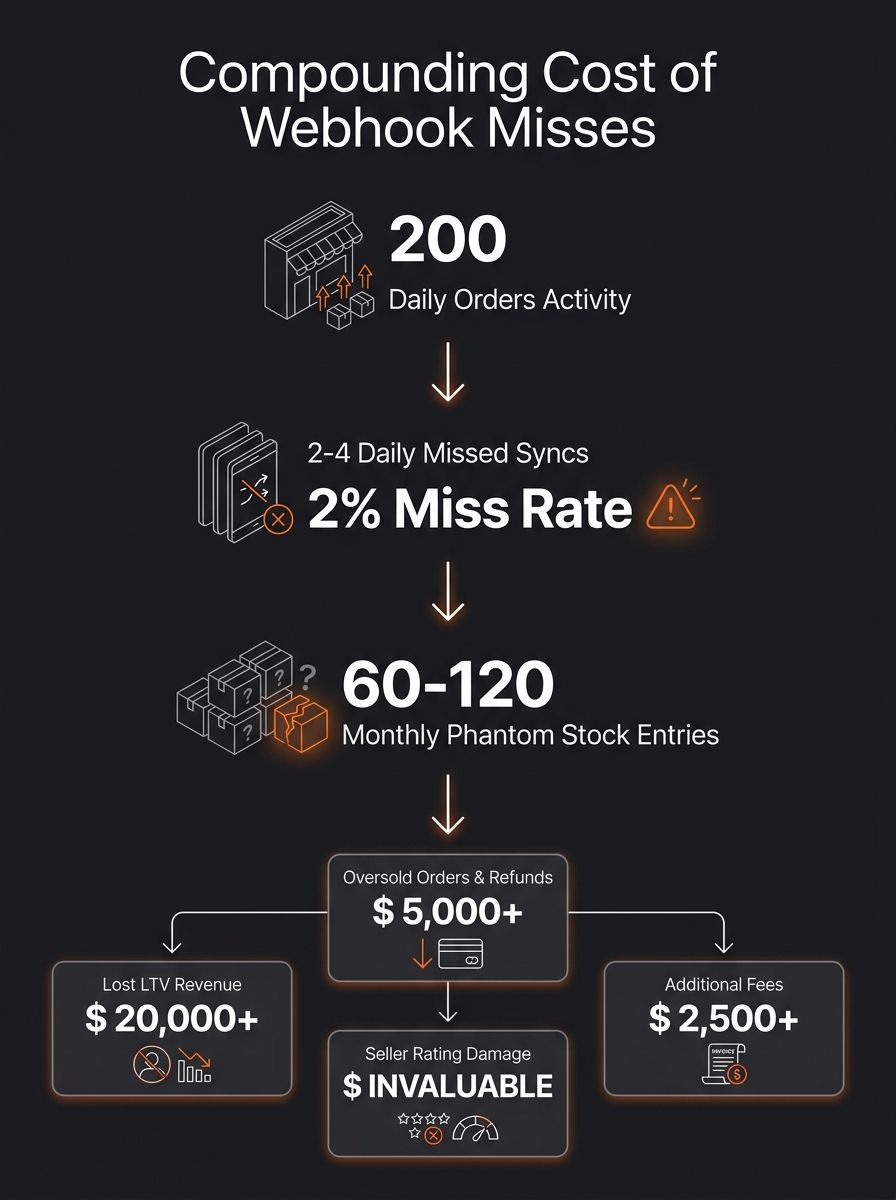
Shopify webhooks fail silently at a rate of 1-2% per sync cycle. For a store processing 200 orders per day across two channels, that's 2-4 missed inventory updates daily. Over a month, you're looking at 60-120 phantom stock entries showing products as available when they aren't.
The downstream cost adds up fast. Global inventory distortion costs retailers $1.77 trillion annually. A single Amazon oversell event costs $40-$150 when you factor in shipping, labor, and seller-rating damage. On your own Shopify store, the cost takes a different shape but hits just as hard: a refund processed, a customer lost, a review never written, and a repeat purchase that never happens. If you've spent money acquiring that customer, the CAC payback math collapses on contact.
Real-time inventory visibility can improve conversion rates by up to 15%, according to Vervaunt's analysis of product availability and paid media performance. That number works in reverse, too. Showing "in stock" when the item isn't available doesn't generate a sale. It generates a cancellation email, a refund ticket, and a customer who shops somewhere else.
If you've already been auditing your checkout flow for margin leaks, inventory accuracy is the upstream variable you're probably overlooking. The checkout can be perfect. If the stock data feeding it is wrong, you're optimizing the wrong layer.
Four Failure Categories Behind Every Oversell in Dropshipping
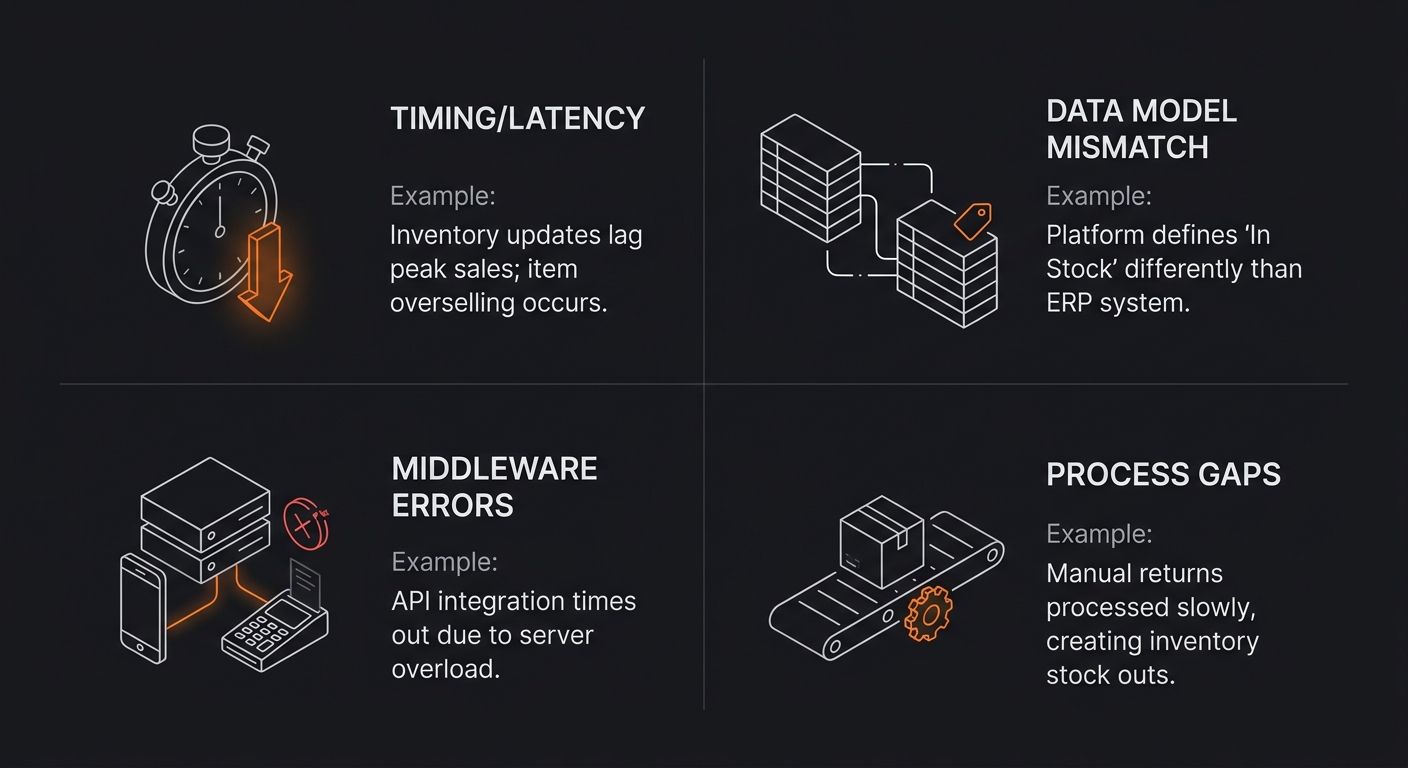
Why does oversell dropshipping happen so consistently, even for stores running automation? Because the failures cluster into four distinct categories, and most store owners only investigate one of them.
Timing and latency gaps. Batch polling (checking supplier stock every 15, 30, or 60 minutes) creates windows where your store shows availability that no longer exists. During a flash sale, a 15-minute poll cycle is an eternity. Event-driven systems update inventory within sub-second windows. Batch systems leave you exposed for hundreds of seconds at a time.
Data model mismatches. Your supplier tracks inventory by warehouse location. Your Shopify store tracks it by variant SKU. Your Amazon listing tracks it by ASIN. When these models don't map cleanly, the sync layer guesses. And guesses produce phantom stock entries, incorrect COGS, and inflated inventory balances that were never meant to exist.
Middleware errors. API rate limits cause the most pain here. When your sync app hits the call ceiling, Shopify returns 429 errors and the app retries later. During peak traffic, "later" is too late. Experienced Shopify Plus merchants on Reddit recommend using one inventory location per sales channel, which prevents the fan-out sync between locations that multiplies API calls beyond the rate limit.
Process gaps. Manual stock adjustments that bypass the sync layer. Returns processed in one system but not reflected in another. Staff marking items as "received" before they're actually shelved. Every manual touchpoint is a potential stock sync failure.
Understanding how data flows between order and fulfillment at the supplier level helps you pinpoint which of these four categories is driving your specific problems.
Sync Tools for Shopify Inventory Management: Where Each One Fits
Shopify inventory management at scale requires app-layer tooling. The native system handles basics fine, but multi-channel, multi-supplier operations expose its limits fast. Here's how the main contenders compare for resolving inventory sync errors on Shopify.
Tool | Real-Time Sync | Multi-Channel Support | Bundle/BOM Tracking | API Rate Handling | Best For |
|---|---|---|---|---|---|
Sumtracker | Yes | Shopify + Amazon + eBay | Yes (component-level) | Built-in retry logic | Shopify-first brands needing forecasting + sync |
QuickSync | Yes | Shopify multi-location | Limited | Standard retry | Simple multi-location Shopify stores |
AutoDS | Yes (supplier-side) | Shopify + multiple marketplaces | No native BOM | Supplier API managed | Dropshippers syncing with supplier feeds |
Webgility | Yes | Shopify + Amazon + eBay + QuickBooks | Yes | Enterprise-grade | Stores needing accounting integration |
Inventory Planner | Forecasting focus | Shopify + multi-channel | Yes | Standard | Stores prioritizing restock timing |
AutoDS addresses the oversell dropshipping problem by syncing inventory and pricing in real time from supplier feeds. When your supplier's stock changes, AutoDS pushes that update to your Shopify listing within seconds. If you're comparing automation platforms like Spocket and AutoDS, sync reliability should be your deciding factor over raw feature count.
For stores running multiple suppliers, the interaction between your sync tool and Shopify's order routing logic matters a lot. If orders route to Supplier A but the inventory deduction hits Supplier B's feed, you've created a phantom availability problem that no single tool fixes without correct configuration.
Bundle Logic and Phantom Availability
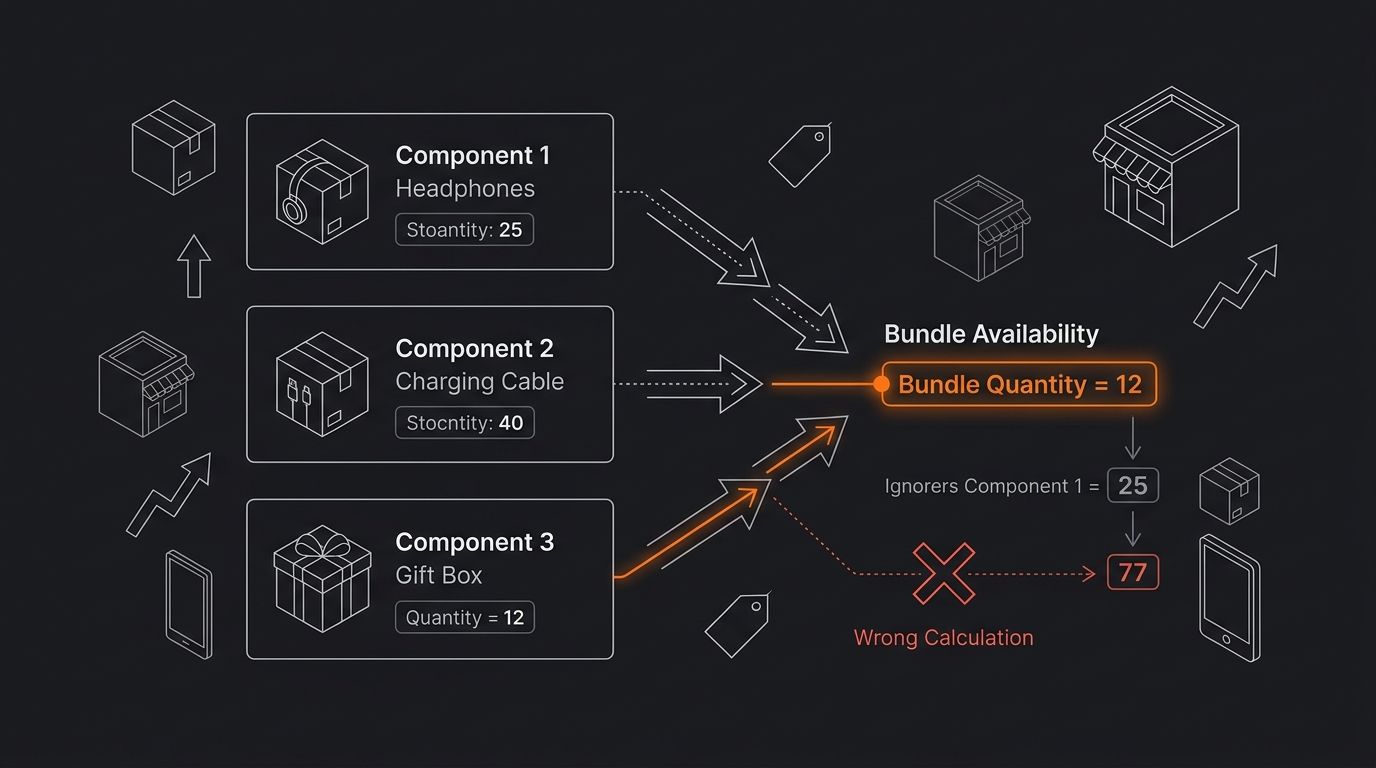
Stores selling product bundles face a specific version of stock sync failure that individual-SKU tools don't always catch. If you sell a "Complete Skincare Set" containing three separate products, your bundle availability depends on the lowest-quantity component. Sell out of the cleanser, and the bundle should show as unavailable, even if the moisturizer and serum have 500 units each.
Industry best practice now requires maintaining a Bill of Materials (BOM) for kits. The BOM automatically recalculates bundle availability based on component stock levels. Without it, you get "phantom availability," where the bundle page shows "Add to Cart" while one of its three components sits at zero stock.
This problem compounds in conversion rate operations because bundles often carry your highest AOV. If you've built high-AOV product bundles as a margin strategy, a phantom-availability oversell on those bundles hits 3-4x harder than a single-SKU stockout. You're refunding a $120 order instead of a $35 one. Customer service cost stays the same. Revenue impact multiplies.
Sumtracker and Webgility both offer component-level BOM tracking. AutoDS and QuickSync do not natively handle this. If bundles represent more than 15% of your catalog, this single capability should eliminate two of the five tools from your shortlist immediately.
Diagnosing an Oversell After It Happens
The worst time to learn your sync architecture is after a customer emails about a cancelled order. But that's when most store owners start investigating. Here's the diagnostic sequence that produces answers.
Pull the specific order that oversold. Check the timestamp of the order against the last successful inventory sync for that SKU. The gap between those two timestamps tells you whether this was a latency failure (sync ran, but too late) or a missed event (sync never ran at all).
Next, review your Shopify API rate limit logs for 429 errors around the time of the oversell. If you find them, your sync app was throttled during the exact window when accuracy mattered most. The fix is implementing exponential backoff queues so failed calls retry with increasing delay instead of hammering the API and getting blocked.
Then check whether the oversold product was also listed on another channel. Multi-channel overselling is the second most common cause of inventory discrepancies on Shopify, per UpZone's analysis. If the sale happened on Amazon and the deduction didn't reach Shopify before a second customer bought the same item, that's a channel-sync gap, not a Shopify-side bug.
Finally, verify whether any manual adjustment was made to that SKU's inventory in the 24 hours before the oversell. Manual edits bypass the sync layer in most tool configurations. One staff member "correcting" a number without understanding the sync flow can create exactly the discrepancy that triggers an oversell.
Retailers with disconnected systems lose 5-15% of annual revenue to fragmentation. That number drops significantly when you move from reactive investigations to proactive cycle counting, spot-checking inventory values multiple times per day across channels.
What The Data Doesn't Tell Us
The 15% conversion rate improvement from real-time inventory visibility is an aggregate figure. It doesn't separate how much of that gain comes from preventing oversells versus showing accurate "low stock" urgency signals versus reducing page-level abandonment. The $1.77 trillion global inventory distortion number includes every retail segment, from grocery to automotive parts. Your Shopify dropshipping store operates in a different distortion range, and clean data isolating e-commerce-only figures doesn't exist yet.
The 1-2% webhook miss rate also varies by Shopify plan tier, integration complexity, and traffic volume. A store on Shopify Plus with doubled rate limits experiences a different failure profile than a store on the Basic plan running three marketplace integrations through a single middleware layer. None of the tools in the comparison table above publish their own miss rates or sync-failure percentages in a way that allows direct benchmarking.
What the data does confirm: inventory accuracy and conversion rates move together, and every tool reviewed above reduces the gap between real stock and displayed stock. The question for your store is which failure category produces most of your oversells, and whether the tool you choose addresses that category at the architecture level. Feature comparison tables can narrow the list. Your sync logs tell you which row in the table actually solves your problem.
365 Dropship Editorial
Editorial team writing about E-commerce, dropshipping, and product discovery — reviews of dropshipping suppliers and platforms, trending niche guides (jewelry, beauty, pets, home, fashion), supplier due diligence, ecom operations, shipping & fulfillment strategy, product research, AOV optimization, and profitable dropshipping case studies.
Related Articles
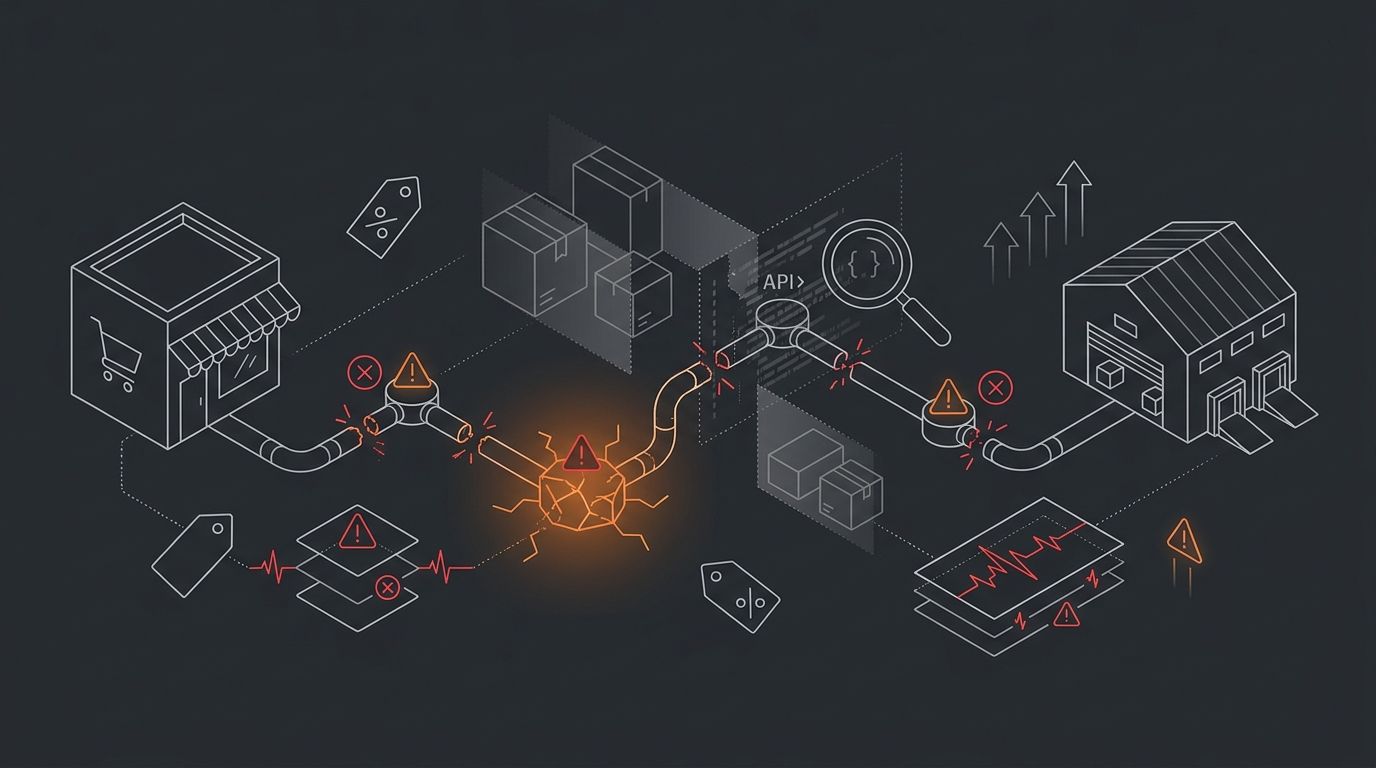
The Supplier Tracking Sync Failure Matrix: Debugging When Orders Disappear Between Shopify and Fulfillment
Shopify-supplier integration failures fall into three distinct zones: API callback misconfigurations, middleware polling gaps, and fulfillment-side acknowledgment drops.
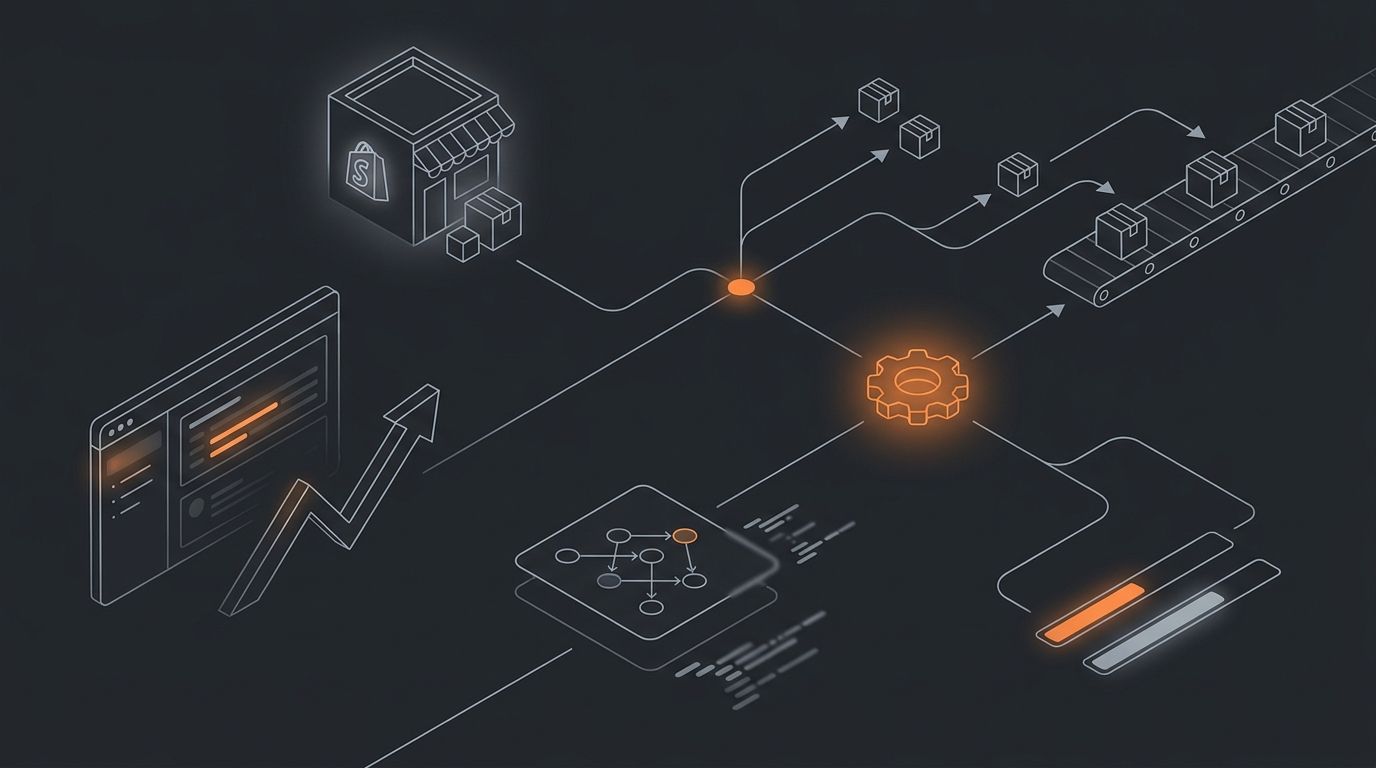
From Order to Tracking: Building Automated Supplier Sync Systems That Actually Work
Spark Shipping's documentation lists six distinct protocols for routing purchase orders to suppliers: email, EDI, FTP, CSV, XML, and direct API. Duoplane, built for mid-market and enterprise operations, supports a nearly identical set — EDI, email, API, and vendor portal.

Why Your Supplier Is Handling More Than You Think: The Hidden Data Flow Between Order and Fulfillment
Between your customer's checkout click and the tracking email that arrives hours later, six to twelve discrete data transfers fire across your store, middleware, supplier systems, and shipping carriers.
Explore more topics