From Order to Tracking: Building Automated Supplier Sync Systems That Actually Work
Spark Shipping's documentation lists six distinct protocols for routing purchase orders to suppliers: email, EDI, FTP, CSV, XML, and direct API. Duoplane, built for mid-market and enterprise operations, supports a nearly identical set — EDI, email, API, and vendor portal.
Supplier Order Automation for Shopify: The Full Sync, Tracking & API Integration Guide
Spark Shipping's documentation lists six distinct protocols for routing purchase orders to suppliers: email, EDI, FTP, CSV, XML, and direct API. Duoplane, built for mid-market and enterprise operations, supports a nearly identical set — EDI, email, API, and vendor portal. That overlap tells you something important about the state of supplier order automation in 2026: the industry hasn't converged on a single standard. Your supplier's technical capabilities dictate your integration method, your error rate, and ultimately how much margin you leak between checkout and delivery.
This guide breaks down each layer of the automation stack — order routing, inventory sync, Shopify fulfillment sync, and real-time tracking sync — with specific tool comparisons, cost considerations, and the failure modes that eat into your contribution margin when nobody's watching.
How Orders Actually Move from Shopify to Your Supplier
The simplest version of supplier order automation works like this: a customer places an order on your Shopify store, and software automatically forwards that purchase order to your supplier without you copying and pasting anything. The complexity lives in how that forwarding happens.
Email-based forwarding is the lowest-tech option. Apps like Dropday (listed on the Shopify App Store as Dropship Order Automation) can split incoming orders by supplier and send formatted purchase orders via email. Setup is fast. But email introduces latency — your supplier still has to open the email, process it manually on their end, and confirm. If they're handling 200+ orders per day from multiple retailers, yours sits in a queue.
FTP/SFTP uploads push CSV or XML files to a supplier's server at set intervals. This works well for suppliers with legacy systems (common in U.S.-based wholesale). The downside: it's batch-based, not real-time. If a customer cancels between your upload window, you've already placed the order.
Direct API integration is the fastest and most reliable path. For Shopify stores, custom integrations typically involve creating a private or custom app to obtain API credentials, then using the Shopify Admin API and webhooks alongside your supplier's API to keep products and orders synchronized. The catch: your supplier needs to actually have an API. Many don't.
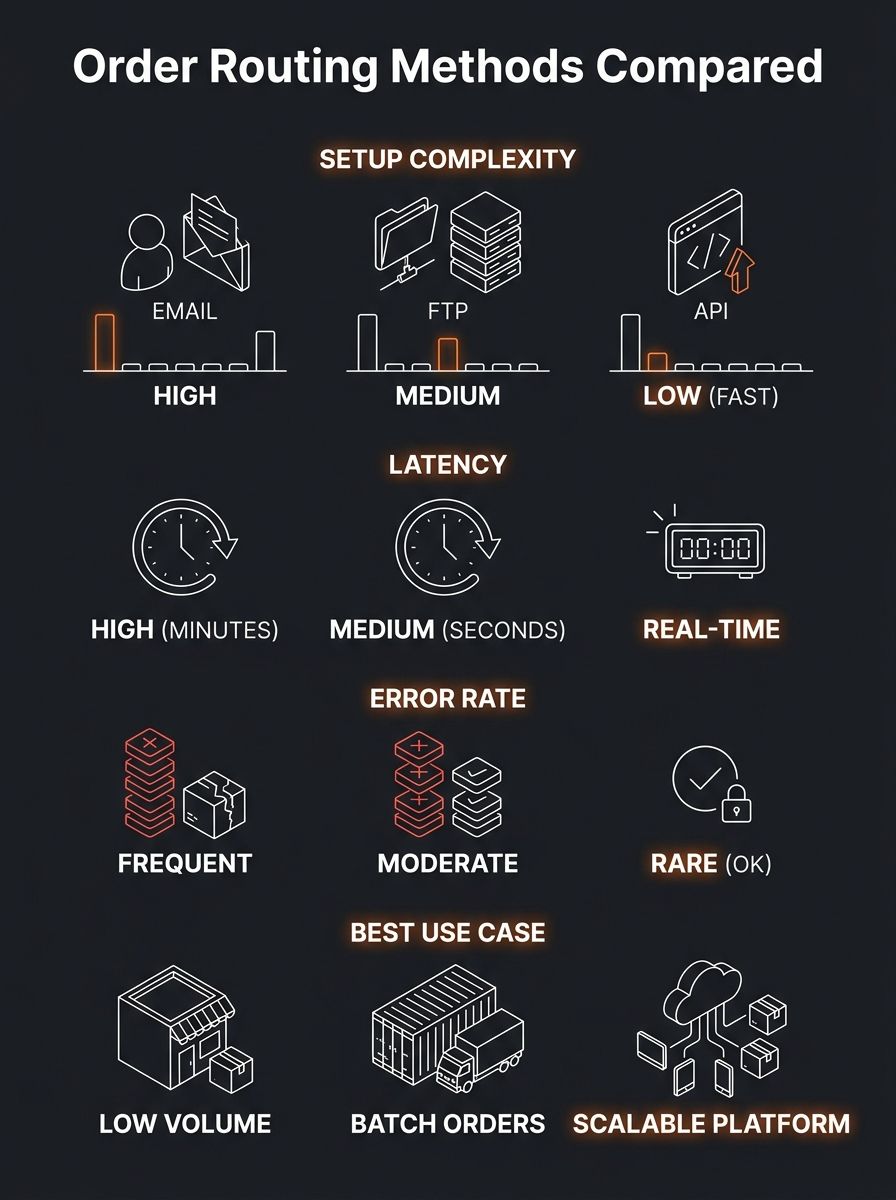
The method you use determines your error floor. Email forwarding has the highest manual-intervention rate. FTP sits in the middle. A well-built dropshipping API integration can reduce order errors to near-zero because both systems are reading from the same data source, but building and maintaining it costs real developer hours.
Inventory Sync: Where the Money Disappears
Selling a product that's out of stock at your supplier is the most expensive automation failure in dropshipping. You collect payment, your supplier can't fulfill, and now you're issuing a refund, eating the payment processor fee, and potentially catching a Shopify chargeback flag. If you're running ads to that product, you've also burned the click cost on a sale that will never ship.
Inventory sync tools exist to prevent this. They update inventory levels at defined intervals or in real time, depending on supplier capabilities. That distinction matters more than most operators realize.
Interval-based sync (every 15 minutes, every hour, every 4 hours) is what you get with most mid-tier tools and most supplier feeds. Inventory Source, which supports 10 platforms including Shopify, WooCommerce, BigCommerce, and Amazon, operates this way for many of its supplier connections. If your supplier updates their feed once per day, syncing every 15 minutes on your end doesn't help — you're just re-reading the same stale data 96 times.
Real-time inventory sync requires the supplier's system to push updates via webhook or API the moment stock changes. This is rare among smaller suppliers. Larger distributors and U.S.-based wholesalers with modern warehouse management systems are more likely to support it. APS Fulfillment, for example, provides real-time inventory management accessible 24/7 via web portal.
The practical question isn't "which sync method is better?" — obviously real-time wins. The question is whether your specific supplier supports it, and what your fallback strategy should be when they don't. If you're working through the process of auditing your supplier's capabilities and they can only provide a daily CSV feed, you need buffer stock rules: set your Shopify inventory to show "out of stock" when the supplier's count drops below 5 units, not 0.
Shopify Fulfillment Sync: Connecting the Confirmation Loop
Getting the order to the supplier is half the equation. The other half is getting fulfillment confirmation and tracking data back into Shopify so your customer's order status page updates correctly, shipping notification emails fire, and your Shopify admin reflects reality.
Shopify's own fulfillment architecture expects a specific data flow: an order moves from "unfulfilled" to "fulfilled" when a tracking number is attached. The Shopify Fulfillment Network handles this natively for merchants using Shopify's own logistics. For everyone else — meaning every dropshipper working with third-party suppliers — you need middleware.
SyncX: Fulfill Tracking is one app built specifically for this gap. It automates order fulfillment and tracking updates from suppliers, 3PLs, or warehouses via FTP/SFTP or spreadsheet uploads. If your supplier sends you a daily CSV with order numbers and tracking codes, SyncX can map those fields and push them into Shopify in bulk.
Spark Shipping handles both directions — order out, tracking back — and intelligently routes orders to the correct supplier or fulfillment center based on rules you define. For stores working with 3+ suppliers, this routing logic prevents the wrong supplier from receiving an order they can't fulfill.
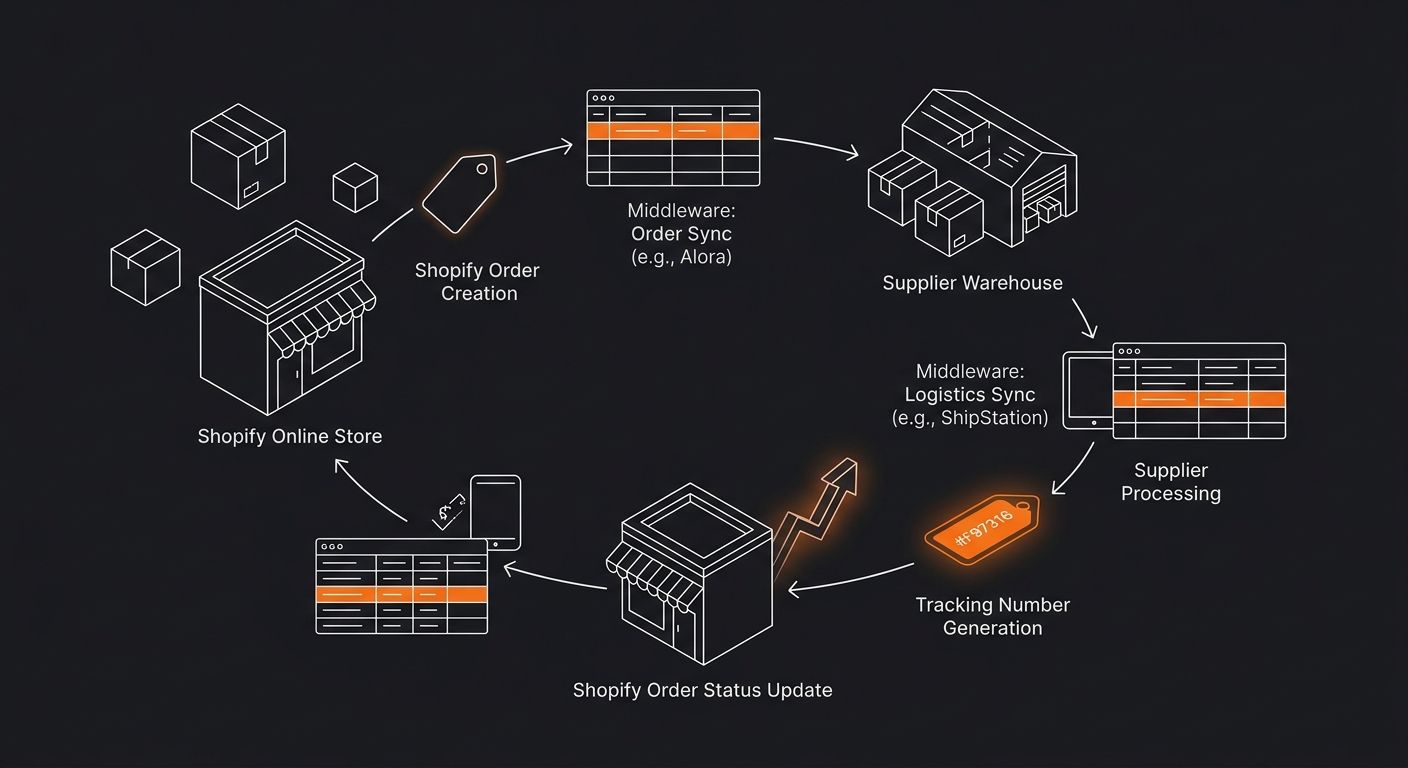
The failure mode worth watching: tracking numbers that arrive in Shopify but don't actually work yet. Many suppliers generate a shipping label (and its tracking number) before the carrier scans the package. If your automation pushes that tracking number to the customer immediately, they click it, see "not found," and your support inbox fills up. We've written about how post-order problems drain margin before — this is one of the most common culprits.
A smarter configuration delays the customer-facing tracking email by 12-24 hours after the number is received, giving the carrier time to scan the package into their system.
Real-Time Tracking Sync and Customer Experience Math
Real-time tracking sync goes beyond the initial "your order has shipped" email. It means your store reflects the package's current status — in transit, out for delivery, delivered, exception — as the carrier updates it.
Why does this matter financially? Because every "where is my order?" (WISMO) support ticket costs you. If you're paying a VA $5/hour and each WISMO ticket takes 4 minutes, that's $0.33 per ticket. At 200 orders/month with a 15% WISMO rate, you're spending $10/month on a problem that good tracking sync eliminates. Scale to 2,000 orders/month and it's $100/month — not catastrophic, but it's pure waste.
The real cost is harder to measure: customers who never return because their experience felt opaque. Building organic trust through consistent delivery communication works the same way link building works for SEO — it compounds over time, and the absence of it compounds in the wrong direction.
Tools that handle real-time tracking sync pull data from carrier APIs (USPS, UPS, FedEx, DHL, YunExpress, etc.) and push status updates to your Shopify order page. Some, like AfterShip, also provide branded tracking pages that keep the customer on your domain rather than sending them to the carrier's site. That's a retention play, not just an operational one.
Choosing Your Automation Stack by Order Volume
The right tooling depends on where you are operationally. Here's how the math breaks down:
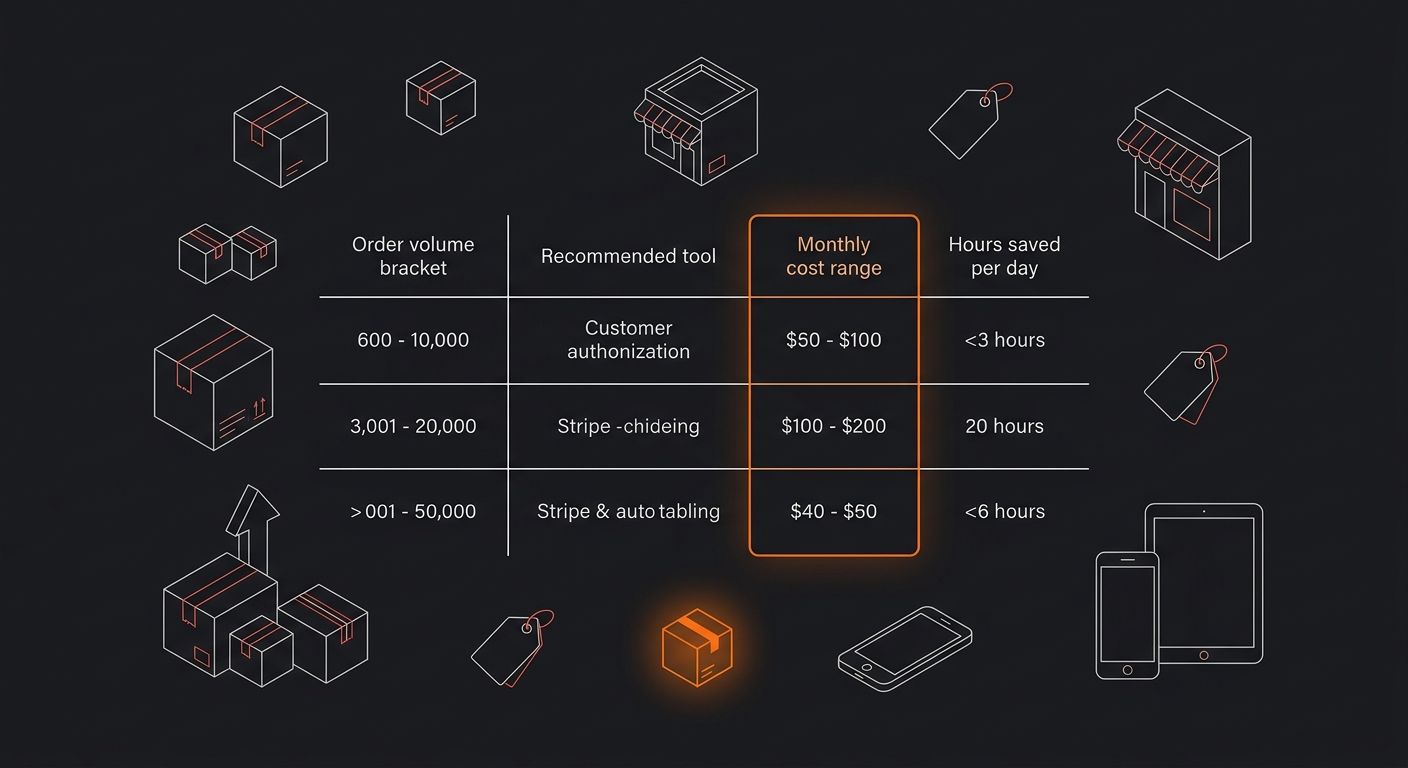
Under 50 orders/day: Email-based order forwarding + manual tracking upload is painful but survivable. Your time cost is 1-2 hours/day. Most operators at this stage should focus spend on ads and building authentic review loops rather than over-investing in automation infrastructure.
50-200 orders/day: This is where automation becomes a margin requirement, not a convenience. Dropday or a similar Shopify app for supplier order automation ($20-80/month) paired with SyncX or equivalent for tracking sync ($15-50/month) handles the volume. Total cost: $35-130/month to save 3-5 hours/day of manual work.
200+ orders/day: You need a platform-level solution. Spark Shipping, Duoplane, or a custom-built dropshipping API integration through the Shopify Admin API. Costs range from $199/month (Spark Shipping's mid-tier) to $500+/month for enterprise platforms, plus developer costs if you're building custom API connections. At this volume, the ROI calculation is straightforward: if you're processing 6,000 orders/month and automation prevents even a 1% error rate, that's 60 orders you don't have to refund, reship, or eat support costs on.
The mistake operators make is automating too early (spending $200/month on tools when they're doing 10 orders/day) or too late (manually processing 150 orders/day while their error rate climbs past 3%). If you've been evaluating whether your problems are actually supplier-side or marketing-side, getting the automation layer right is what lets you isolate which failures belong where.
The Vendor Compatibility Problem Nobody Warns You About
Here's the friction that tool marketing glosses over: your automation is only as good as your least-capable supplier. If you sell products from three suppliers and two support API-based ordering while the third only accepts emailed POs in a specific PDF format, your "automated" workflow still has a manual bottleneck.
Before committing to any automation tool, map your suppliers against these questions:
Does the supplier provide an API? If yes, is it REST, SOAP, or something proprietary?
What format do they accept purchase orders in? (JSON, XML, CSV, email, portal)
How frequently does their inventory feed update?
Do they push tracking numbers via API/webhook, or do you have to pull them from a portal?
Do they support order cancellation or modification after submission?
This mapping exercise should be part of your supplier vetting checklist before you sign with anyone. The answers determine not just your automation tool choice but your ceiling for operational efficiency.
What the Data Doesn't Tell Us
The automation tool landscape gives you plenty of feature lists and platform compatibility charts. What's missing is standardized benchmarking across these tools on the metrics that actually matter to operators: average order processing latency (time from Shopify checkout to supplier receiving the PO), sync failure rate per 1,000 orders, and tracking number accuracy rate by carrier.
No independent study has compared Spark Shipping's API routing speed against Inventory Source's webhook processing against Duoplane's EDI performance under identical conditions with the same suppliers. Vendors publish their own uptime numbers, but those measure whether the tool's servers are running, not whether your orders are reaching your supplier correctly.
The gap between "the tool is working" and "the order is fulfilled correctly" is where margin disappears. Until someone publishes that benchmark data — or you collect it yourself by running parallel tests across tools with the same supplier and same order volume — every automation choice involves a degree of informed guessing. Track your own error rates weekly. Compare them against your tool costs. That ratio is the only number that actually tells you whether your automation stack is earning its keep.
365 Dropship Editorial
Editorial team writing about E-commerce, dropshipping, and product discovery — reviews of dropshipping suppliers and platforms, trending niche guides (jewelry, beauty, pets, home, fashion), supplier due diligence, ecom operations, shipping & fulfillment strategy, product research, AOV optimization, and profitable dropshipping case studies.
Related Articles
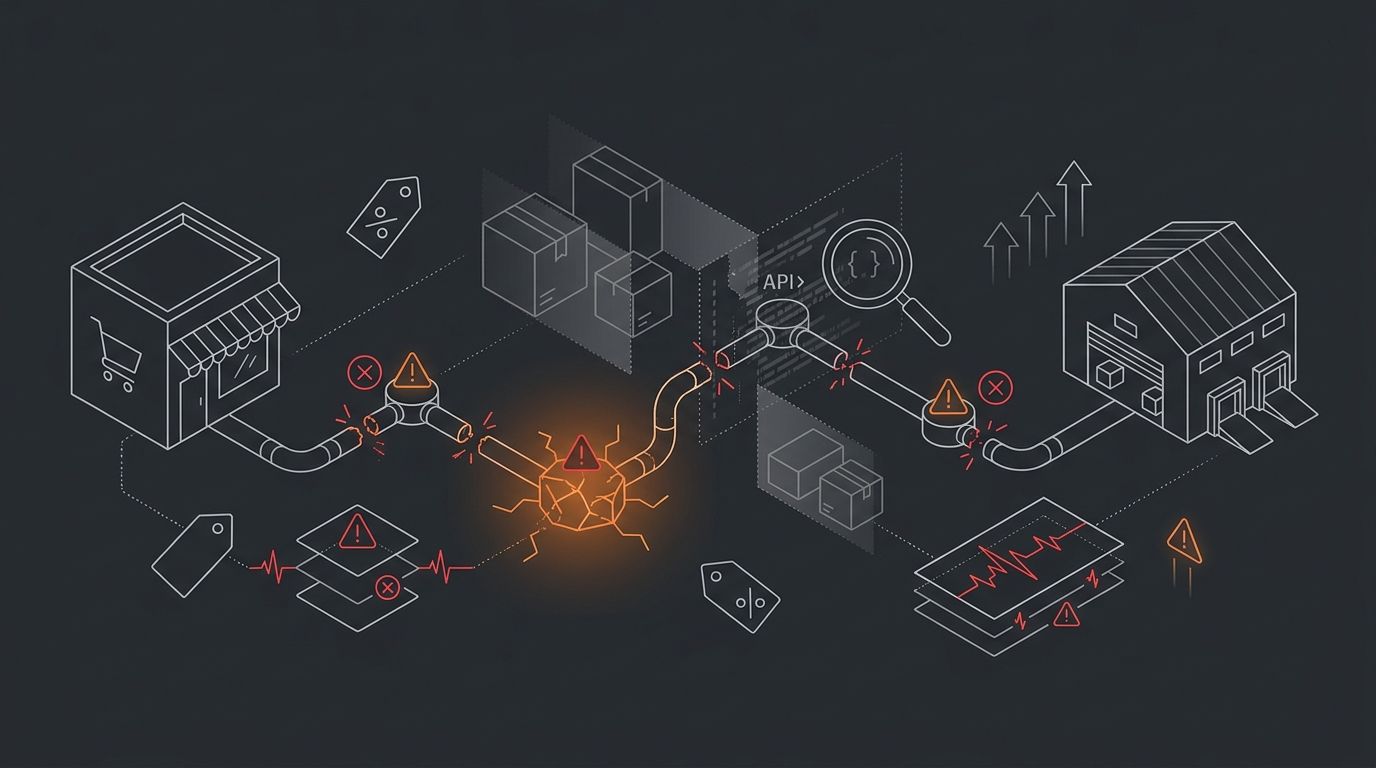
The Supplier Tracking Sync Failure Matrix: Debugging When Orders Disappear Between Shopify and Fulfillment
Shopify-supplier integration failures fall into three distinct zones: API callback misconfigurations, middleware polling gaps, and fulfillment-side acknowledgment drops.
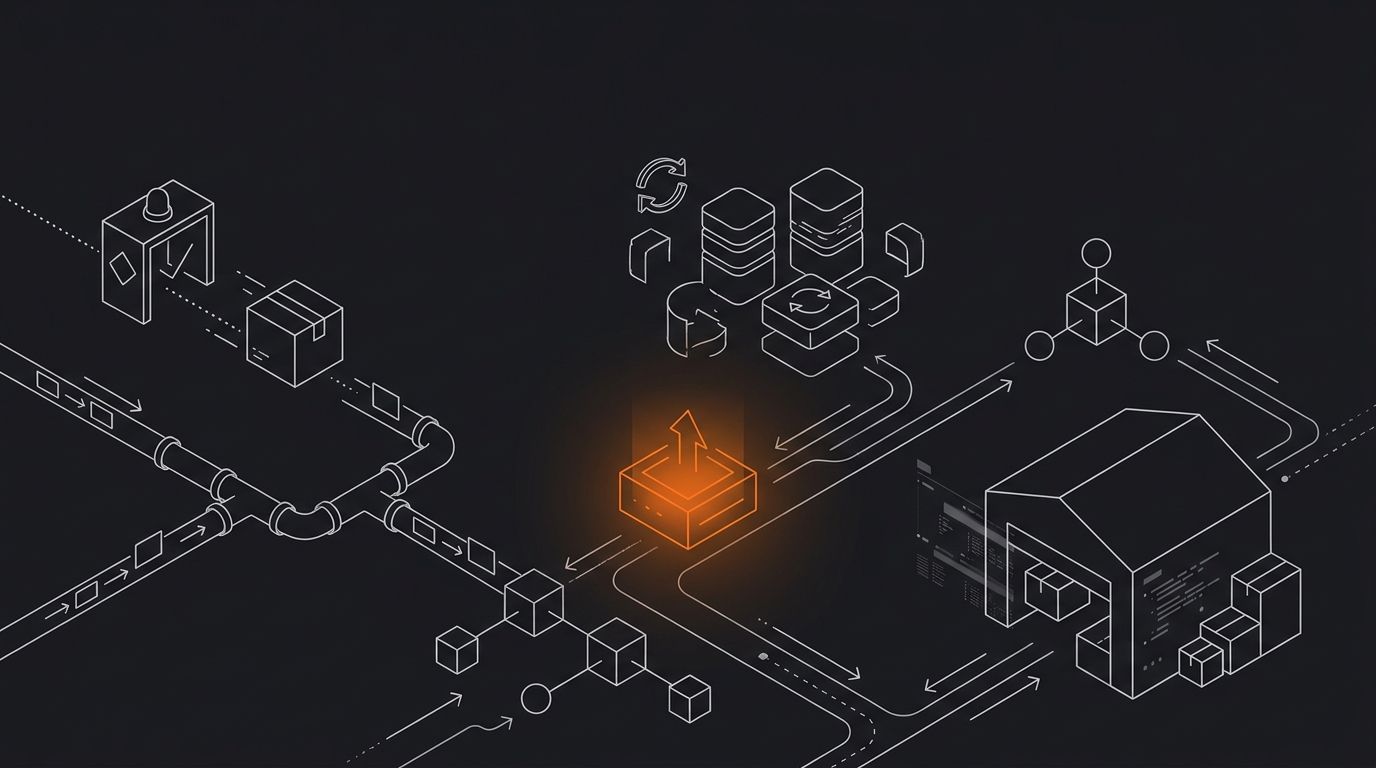
Why Your Supplier Is Handling More Than You Think: The Hidden Data Flow Between Order and Fulfillment
Between your customer's checkout click and the tracking email that arrives hours later, six to twelve discrete data transfers fire across your store, middleware, supplier systems, and shipping carriers.
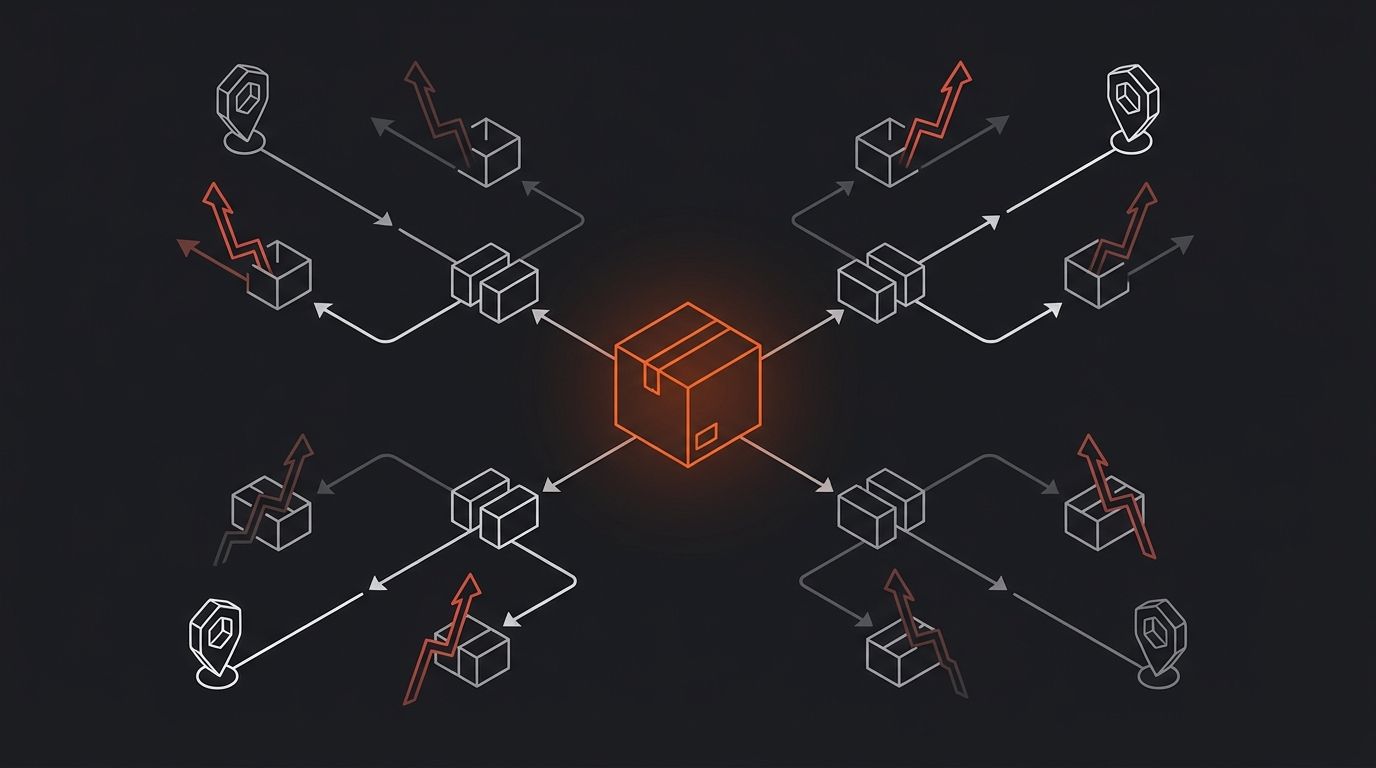
How Shopify's Order Routing Logic Works (And Why It's Costing Multi-Supplier Stores Money)
Shopify's order routing system processes every incoming order through a sequential rule stack, checking inventory availability at each configured location from top to bottom.
Explore more topics