How to Audit Your Shopify Store's Checkout Flow for Margin Leaks in Under 2 Hours
Forty-eight percent of Shopify cart abandonment traces to a single trigger: extra costs (shipping, taxes, handling fees) appearing for the first time on the payment screen, according to Baymard Institute research aggregated across dozens of ecommerce usability studies.

How to Audit Your Shopify Store's Checkout Flow for Margin Leaks in Under 2 Hours
Forty-eight percent of Shopify cart abandonment traces to a single trigger: extra costs (shipping, taxes, handling fees) appearing for the first time on the payment screen, according to Baymard Institute research aggregated across dozens of ecommerce usability studies. A focused 2-hour Shopify checkout audit can identify and quantify these margin leaks without hiring a CRO agency.
Why the Checkout Funnel Hides Margin Problems
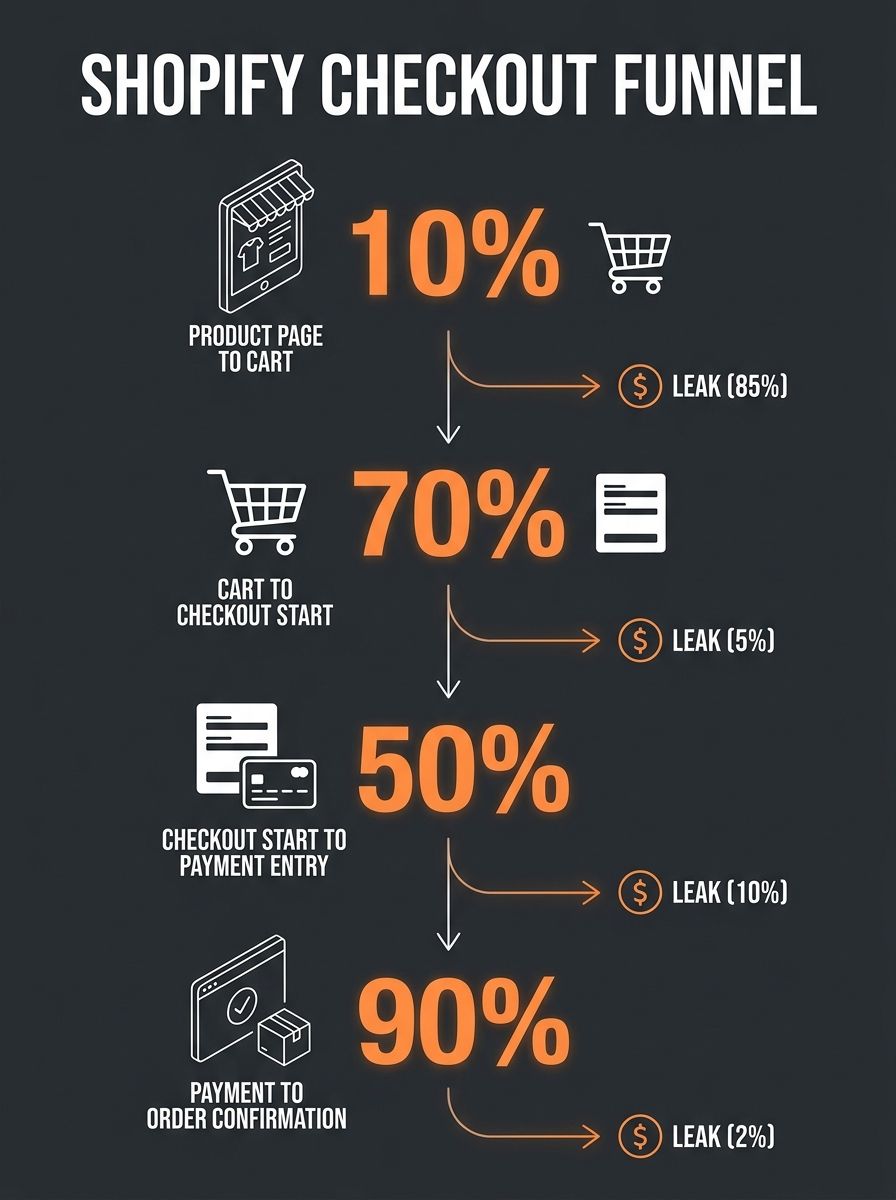
Your Shopify dashboard shows an overall conversion rate. That single number obscures where money disappears. A store can have a healthy add-to-cart rate of 8-12% while losing 60-70% of those carts before payment completes. As checkout benchmark research from Mida documents, "a healthy add-to-cart rate combined with poor checkout conversion tells you the friction lives further down the funnel."
The distinction matters because upstream friction (confusing product pages, unclear pricing) and downstream friction (forced account creation, surprise shipping costs) require completely different fixes. And that second category, checkout friction, compounds with operational margin bleed: shipping cost subsidies, untracked discount stacking, and payment processing fee gaps that turn completed sales into net-negative transactions.
The Baymard Institute's analysis suggests large ecommerce sites may improve conversion rates by as much as 35% through checkout design improvements alone. That's the ceiling. The floor, the minimum you should expect from a focused 2-hour audit, is identifying 2-3 specific leaks costing you real dollars per order.
Cart Page and Shipping Cost Transparency (0:00 to 0:30)
The cart page is where 48% of your abandonment problem either gets solved or gets worse. Spend the first 30 minutes on three specific checks.
Check 1: Are total costs visible before checkout starts? Add an item to your cart and look at what the customer sees. If shipping costs, estimated taxes, and any handling fees appear on the cart page, you're ahead of most stores. If these numbers only surface after the customer enters their address on the checkout screen, you've found your biggest single leak. The fix is a shipping calculator or flat-rate display directly on the cart page.
Check 2: Is guest checkout the default path? Twenty-six percent of cart abandonment comes from forced account creation. Open an incognito browser, add a product, and click through to checkout. If the first screen asks you to create an account or log in before you can enter shipping information, you're losing roughly one in four potential buyers at a step that adds zero margin value. Shopify's checkout settings let you switch this to "Accounts are optional" in under two minutes.
Check 3: How many form fields does your cart page display? Count every input field between the cart and the payment button. Shopify research shows that removing 4-7 unnecessary fields (company name for DTC brands, secondary phone numbers, "How did you hear about us?" surveys) can lift checkout completion by up to 30%. If you're running a dropshipping store with no B2B sales, the company name field is pure friction with zero informational upside.
When you're building your tariff-aware unit cost model, these same cart-page cost calculations should match what the customer sees. Discrepancies between your internal landed cost and the customer-facing price create either sticker shock (killing conversion) or margin erosion (killing profit).
Checkout Form, Payment, and Mobile Friction (0:30 to 1:00)
Switch from the cart page to the actual checkout flow. This phase catches the friction that lives between "I want to buy this" and "my payment went through."
Payment method coverage. One Shopify merchant reported on Reddit that adding payment solutions for all major providers decreased their abandonment rate by about 4%. Four percent sounds modest until you multiply it by your monthly revenue. On a $50,000/month store, that's $2,000 in recovered sales from a configuration change that takes 15 minutes.
Pull up your Shopify Payments settings and verify you're accepting credit/debit cards, Shop Pay, Apple Pay, Google Pay, and PayPal at minimum. If you sell internationally, check whether local payment methods (iDEAL for the Netherlands, Klarna for Scandinavia) are enabled for those markets.
Mobile device testing. More than half your traffic is mobile. Don't test on a desktop browser resized to phone dimensions; that misses real-world input issues. Grab your actual phone, open your store, and buy something. Check whether:
Numeric keyboards appear for phone number and ZIP code fields
Address autofill works without fighting the form
Tap targets (buttons, checkboxes) are large enough to hit on the first try
The "Complete order" button is visible without scrolling past terms and conditions
Enabling autofill and predictive address tools reduces mobile typing friction by 26%, which directly shortens the window where a customer can second-guess their purchase.

Discount code stacking. This one bleeds margin silently. Try entering two different discount codes on the same order. If your store allows stacking (a 10% welcome code plus a 15% sale code), you're giving away 23.5% margin on orders where you budgeted for 10-15%. Check Shopify's discount settings and confirm whether "Discount combinations" permits stacking you didn't intend.
Operational Cost Verification (1:00 to 1:45)
Conversion rate optimization gets all the attention. But a completed sale that costs you money is worse than an abandoned cart, because it also triggers fulfillment labor, customer service load, and potential return processing. This phase audits the margin math behind completed orders.
Shipping cost comparison. Pull 25 recent orders from your Shopify admin. For each one, compare what the customer paid for shipping against what you actually paid for the label plus packaging materials. If you're charging $4.99 flat rate but your average shipping cost is $7.20, you're subsidizing $2.21 per order. On 500 orders a month, that's $1,105 walking out the door, money that never appears as a line item in your P&L unless you look for it.
This same principle applies to tracking and fulfillment sync in multi-supplier stores, where different suppliers charge different shipping rates but your checkout shows one flat price.
App bloat and checkout scripts. Every Shopify app that injects code into your checkout adds page weight and potential points of failure. Open your browser's developer tools (or just time the checkout page load on your phone) and note how long the payment screen takes to render. If it's over 3 seconds, start removing apps one at a time and retesting. Your target checkout success rate should be ≥97%. Below that, script conflicts or slow-loading elements are actively killing completed transactions.
Return rate margin impact. If you sell clothing or accessories, your return rate sits between 20-30%. Each return triggers reverse logistics costs, potential product depreciation, and customer service time. According to analysis from Inventory Source, returned products frequently depreciate in value, compounding the margin loss beyond just the shipping refund. Optimizing product descriptions and size guides reduces returns, and the savings flow directly to your bottom line.
Benchmark Targets After the Audit
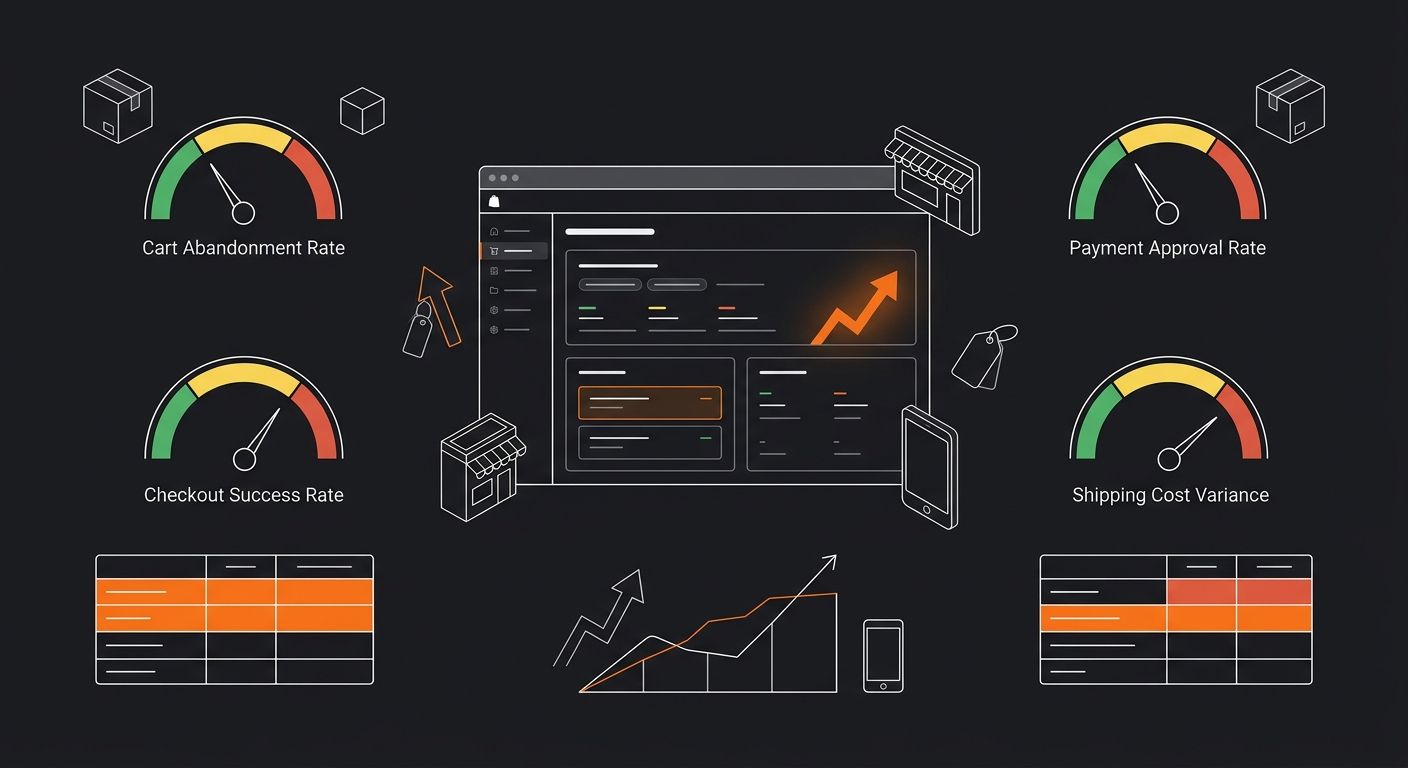
After completing all three phases, you need reference points to measure whether your changes work. These benchmarks come from aggregated 2026 ecommerce data:
Metric | Target | What a Miss Indicates |
|---|---|---|
Cart abandonment rate | Below 60% | Friction or cost surprise problems |
Checkout success rate | ≥97% | Technical or script conflicts |
Payment approval rate | ≥99% | False declines on legitimate cards |
Cart-to-checkout start rate | ≥45% | Cart page friction or price shock |
Mobile checkout completion time | Under 90 seconds | Form complexity or autofill failures |
Shipping cost variance (charged vs. paid) | Within $0.50 | Subsidizing fulfillment silently |
A balanced approach of 3-4 checkout optimizations plus email recovery is the recommended minimum intervention. If your abandonment rate is already below 60%, the research suggests shifting focus to advanced recovery tactics (SMS follow-ups, retargeting sequences, progressive discounts) rather than further checkout redesign.
The Retention Math That Multiplies Every Checkout Fix
Every percentage point you recover in checkout conversion compounds when paired with retention. Acquiring a new customer costs five times more than retaining an existing one, and the healthy LTV-to-CAC ratio target is 3-4x. A checkout audit that lifts conversion by even 3-5% doesn't produce a one-time revenue bump. It reduces your effective CAC across all channels, improves your LTV ratio, and gives you headroom to bid more aggressively on acquisition without destroying margins.
This is where checkout audits connect to broader CAC payback period calculations. If your payback period is 90 days and a checkout fix shortens it to 75 days, you've unlocked 15 days of cash flow on every new customer you acquire.
What This Audit Won't Surface
Two hours gets you the highest-impact leaks: cost surprises, form friction, payment gaps, shipping subsidies. It won't catch slower-moving problems like seasonal shifts in return rates, gradual app fee increases eating into per-order margin, or supplier cost changes that make your shipping calculator assumptions wrong three months from now.
Jason Stokes, whose team has built and optimized over 500 Shopify stores across 12 years for brands including Wild Deodorant and Oliver Sweeney, publishes a 215-point audit template that covers categories this 2-hour sprint deliberately skips: SEO structure, collection page architecture, and brand consistency scoring. If your quick audit reveals more than three significant leaks, that deeper audit is worth scheduling within the next quarter.
The other blind spot is traffic quality. A perfect checkout can't fix a 1% add-to-cart rate driven by mismatched ad targeting. If you run this audit and your numbers already hit the benchmarks in the table above, the margin leak lives upstream in your ad spend allocation, which is a different kind of operational audit entirely. But for most stores, the checkout funnel holds enough recoverable margin to justify the two hours before you look anywhere else.
365 Dropship Editorial
Editorial team writing about E-commerce, dropshipping, and product discovery — reviews of dropshipping suppliers and platforms, trending niche guides (jewelry, beauty, pets, home, fashion), supplier due diligence, ecom operations, shipping & fulfillment strategy, product research, AOV optimization, and profitable dropshipping case studies.
Related Articles
The Post-Sale Audit Framework: How to Diagnose Which Dropshipping Mistakes Are Actually Costing You Margin
Theoretical margin on a $34.99 pet grooming kit sold through Shopify: 42%. Actual margin after pulling the last 100 fulfilled orders, tallying refund shipping labels, Facebook ad spend allocated per unit, and three chargebacks at $22 each: 19%.
The Shopify App Store Is a Margin Tax: Why Most Operators Install 3x More Tools Than They Need
Eight JavaScript-heavy Shopify apps add 1-2 full seconds of page load time and produce a 7-14% conversion rate drop, according to App Store Research performance benchmarks.
Profit Margin Calculator Guide
Multiplying your product cost by 1.30 does not give you a 30% profit margin. It gives you a 23% margin, and that seven-point gap is where thousands of ecommerce operators silently lose money every month.
Explore more topics